Wireless CarPlay Adapter for Car Without CarPlay: Factory Look

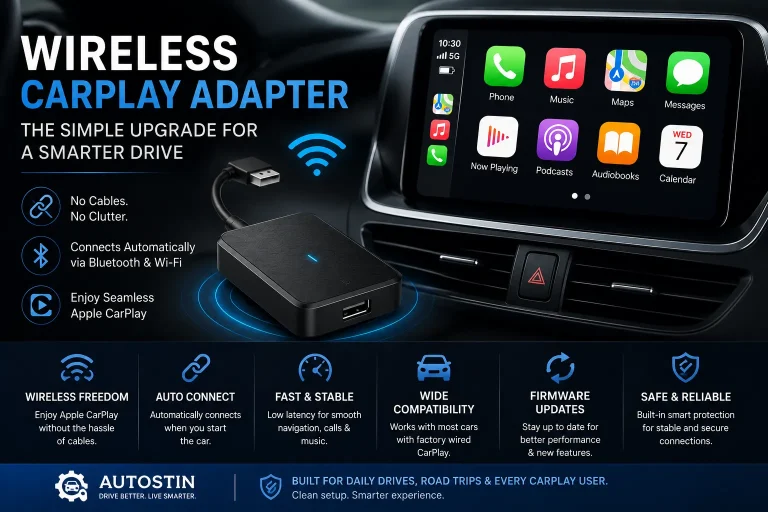
A wireless CarPlay adapter adds Apple CarPlay to a car that lacks it, either through a factory screen with video input or a standalone display. Choose a dongle for a cleaner look or a standalone unit for universal compatibility.
A wireless CarPlay adapter for car without CarPlay can add Apple CarPlay to an older infotainment system without replacing the dashboard. These compact receivers listen for the iPhone’s wireless CarPlay signal and send the picture to a display, bringing navigation, music, calls, and a growing list of apps to a cabin that originally shipped without CarPlay.
- Two formats: Wired-to-wireless dongles use an existing screen; standalone displays bring their own.
- Compatibility first: Verify your factory screen’s video input and iPhone/iOS support before buying.
- Installation matters: Hidden cable routing and safe display placement create the factory look.
- Firmware is the future: Regular updates keep the adapter working with new iOS versions.
- Safety and law: Avoid airbag zones and check state windshield and distraction laws.
What a Wireless CarPlay Adapter Does for a Car Without CarPlay
At its core, the adapter solves one problem: your iPhone has CarPlay built in, but your car does not. The adapter acts as the missing receiver. It connects to the phone over a dedicated Wi-Fi link, mirrors the CarPlay interface, and outputs the video and audio to a screen in the cabin.
For most drivers, that means three practical upgrades at once. Navigation from Apple Maps or Google Maps appears on a screen large enough to read at a glance. Audio from music and podcast apps routes through the car’s speakers instead of the phone’s small driver. And hands-free calls become easier because the phone’s microphone and the car’s audio system work together.
What the adapter does not do is add CarPlay to the factory infotainment system’s own menus. The factory screen either receives the adapter’s video input directly, or the adapter brings its own screen. That distinction drives every other decision in this guide.
Wired-to-Wireless Dongles vs. Standalone CarPlay Displays
Two product families dominate this category, and they suit different cars.
A wired-to-wireless dongle is a small box that plugs into a display that already has a video input, usually HDMI or composite AV. The dongle handles the wireless CarPlay receiving, and the existing screen handles the display. This is the cleaner option when the car’s screen accepts an external video source.
A standalone CarPlay display is a self-contained unit with the receiver and screen built in. It mounts on the windshield, the dash, or an air vent, and it works in any car regardless of the factory infotainment system. The trade-off is visual: a portable screen attached to the cabin rarely looks as integrated as a factory display.
| Option | Best For | Key Consideration |
|---|---|---|
| Wired-to-wireless dongle | Cars with a factory or aftermarket screen that accepts HDMI/AV input | Cleaner look, but only works if the existing display has a usable video input |
| Standalone CarPlay display | Any car, especially older cabins with no external video input | Works everywhere, but the added screen affects dash appearance and sightlines |
Compatibility: Which Cars and Factory Screens Work With These Adapters
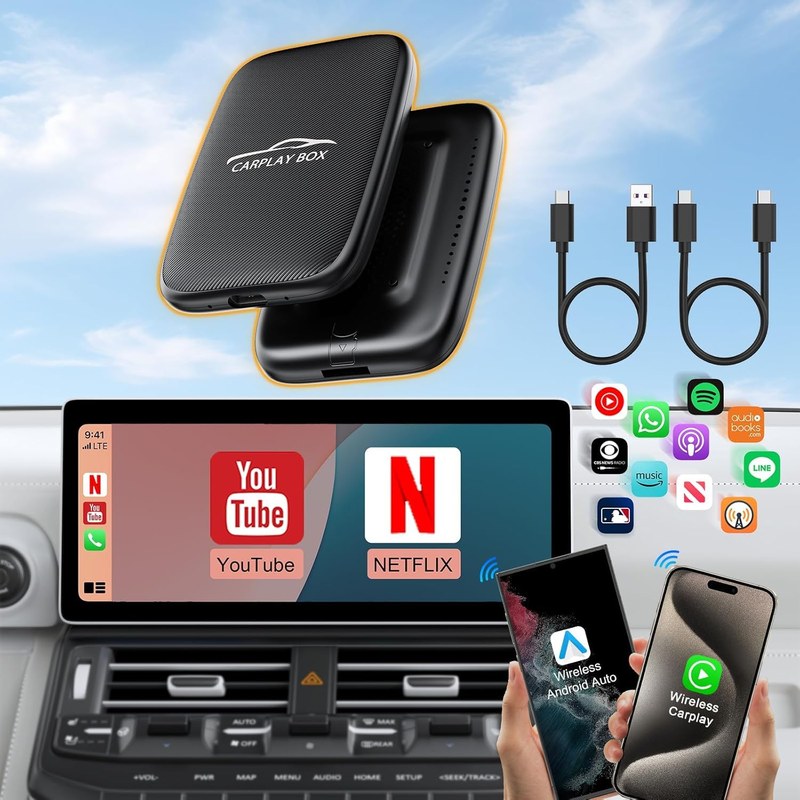
Compatibility starts with a simple question: can your existing screen accept an outside video signal? Factory infotainment systems vary widely. Some include an HDMI or AV input that is easy to reach, often in the center console or glovebox. Others lock down the display entirely and offer no accessible video input at all.
If the factory screen accepts video input, a dongle can feed it the CarPlay interface. If it does not, the realistic options are a standalone display or an aftermarket head unit. The vehicle’s year, trim, and audio package can all affect what is available, so checking the owner’s manual and the adapter’s stated compatibility list matters more than the vehicle’s brand.
Verify the exact make, model, year, and trim of your vehicle before choosing an adapter. Confirm whether the factory screen has an HDMI or composite AV input, whether the adapter supports your iPhone model and iOS version, and whether any required mounting hardware fits your dash, windshield, or vent configuration without blocking controls, vents, or the driver’s view.
Before you buy, it helps to understand how to connect a wireless CarPlay adapter so you know whether your phone and car will pair cleanly on the first try.
Factory Systems That Accept Adapters vs. Those That Require a Standalone Display
Factory systems with a hidden or accessible video input are the best candidates for a wired-to-wireless dongle. The dongle can sit out of sight, and the factory screen becomes the CarPlay display. Some drivers report that certain factory screens automatically switch to the external input when a signal is present; others require manually selecting the input each time. That behavior depends on the specific infotainment system and is worth checking in owner forums or the manual before purchase.
When the factory screen offers no video input, a standalone display is the straightforward answer. It bypasses the infotainment system entirely and works with any vehicle. The cost is cabin integration: the display needs a mount, a power source, and a location that does not compromise visibility or safety.
Installation and Cable Routing for a Factory Look
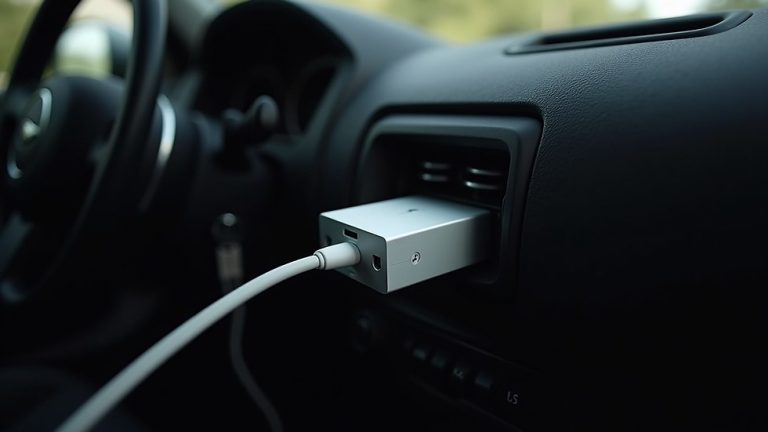
A factory look is mostly about hiding the hardware. The receiver itself is small enough to tuck under a seat, inside the center console, or behind dash trim, depending on the vehicle. The display, if standalone, is the part that needs deliberate placement.
Mounting the Display Without Cluttering the Dash
The goal is to place the display where it reads like part of the cabin, not an afterthought. A low-mounted position near the factory screen or the center stack keeps the driver’s eye movement short. Windshield mounts work well in some cars but add a visible arm and suction cup that can clash with a clean interior.
Before mounting, check the display’s angle adjustments and whether the mount allows the screen to sit below the hood line when viewed from the driver’s seat. A display that blocks the view of the road, the mirrors, or the instrument cluster is a safety problem, not just a style problem.
Route the power cable behind the A-pillar trim or under the center console trim rather than across the dash surface. Use the factory trim gaps and grommets where they already exist, and leave a small service loop near the display so the mount can be adjusted without pulling the cable loose.
Hiding Power Cables and Keeping Airbags Clear
Cable routing has two goals: appearance and safety. A visible cable running across the dash ruins the factory look, but a cable routed in front of a side airbag deployment zone is worse than ugly.
Most adapters draw power from a 12-volt socket or a USB port. The cleanest installations use a hardwired USB power adapter tucked under the dash, with the cable running along existing harnesses and trim. If the car uses a 12-volt socket, a short, angled plug reduces the chance of the adapter bumping into shifters or trays.
- Follow the adapter manufacturer’s installation instructions for power and mounting
- Test the display position before committing to the mount adhesive or screw location
- Keep airbags, seat belts, controls, vents, sensors, wiring, and moving parts unobstructed
- Confirm the power source does not drain the battery when the car is off
Performance, Apps, and Firmware: What to Expect in 2026
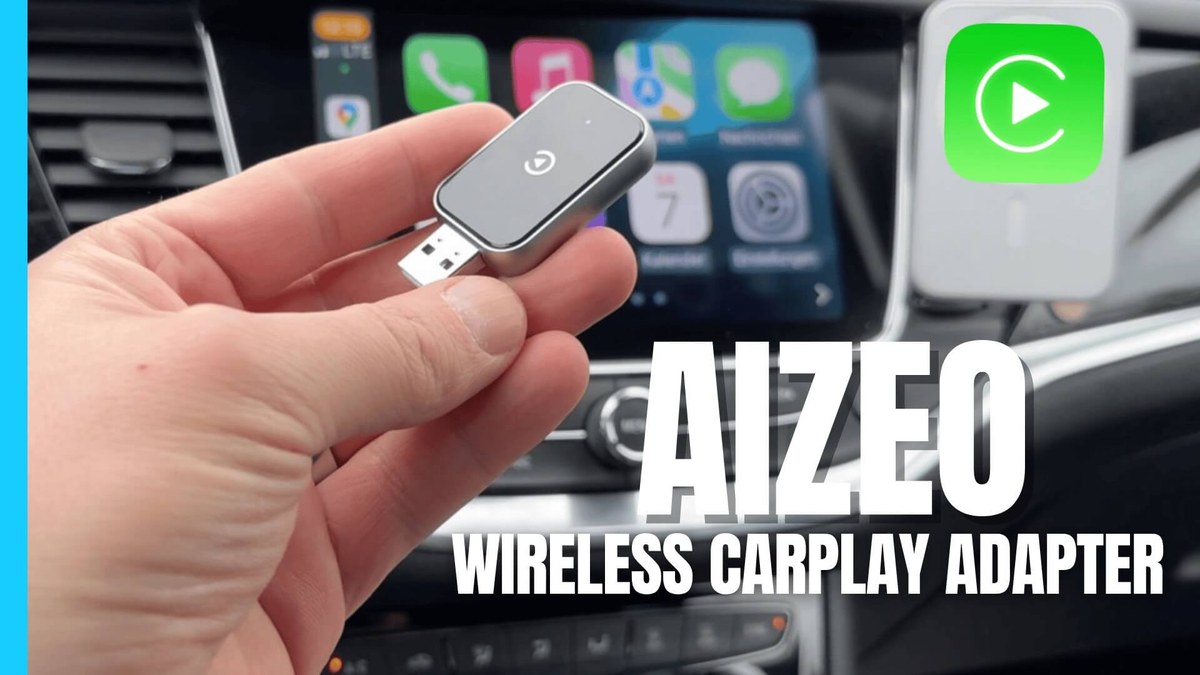
Wireless CarPlay performance depends on the adapter’s Wi-Fi hardware, the phone’s wireless state, and the quality of the display or factory screen receiving the signal. In 2026, most current adapters support the latest iPhone models and iOS versions, but older hardware can lag behind Apple’s software updates.
Latency, Audio Quality, and Call Clarity
Wireless CarPlay adds a small amount of latency compared with a wired connection. For navigation and music, the delay is usually imperceptible. For video apps, it can be noticeable. Audio quality depends on whether the adapter sends audio over the same wireless link or through a separate connection, and on the quality of the car’s speakers.
Call clarity depends on the phone’s microphone and the car’s audio path. Most adapters route call audio through the car’s speakers, which is a major improvement over a phone on a mount, but background noise and road noise still affect the person on the other end.
App Support and Firmware Update Policies
CarPlay app support is determined by Apple and the app developers, not the adapter. Navigation apps, music streaming, podcasts, and messaging apps that support CarPlay will appear in the interface. The adapter’s role is to render that interface reliably.
Firmware updates matter because Apple updates iOS regularly, and an adapter that is not updated can lose compatibility with newer iPhones or CarPlay features. Check whether the adapter supports over-the-air updates or requires a USB connection to a computer. The update process for a wireless CarPlay adapter is worth reviewing before purchase, because some models need a stable power source and a specific file format.
Safety, Privacy, and Legal Considerations
Adding a screen to the cabin introduces safety and legal questions that vary by state. A standalone display mounted high on the windshield can violate windshield obstruction laws in some states. A display mounted low on the dash may still be considered a distraction if it blocks the driver’s view of the road or instruments.
Driver Distraction, Mounting Laws, and Data Privacy
The safest placement is low, close to the driver’s normal line of sight, and out of the deployment path of any airbag. Avoid mounting anything on the passenger-side dash directly above the airbag, and avoid routing cables where they could interfere with airbag deployment.
Data privacy is another consideration. CarPlay mirrors the phone’s screen, so anything displayed is visible to passengers. The adapter itself connects to the phone over Wi-Fi; check whether the adapter’s companion app requires an account, and review what data the manufacturer collects. Some adapters work without any account, which is the simplest privacy profile. If you are concerned about cabin safety, review whether wireless CarPlay adapters are safe for your specific vehicle layout before installing one.
Do not mount a display or route cables in front of airbag deployment zones, and do not place a display where it blocks the windshield, mirrors, instrument cluster, or climate controls. Check your state’s windshield and driver distraction laws before choosing a mounting location.
Ownership Cost: Price, Subscriptions, and Long-Term Value
The cost of adding wireless CarPlay breaks into three parts: the adapter itself, any mounting accessories, and the time spent on installation. Most adapters have no ongoing subscription, but some models offer optional services or cloud features.
Upfront Cost vs. Factory CarPlay Option
An adapter is almost always cheaper than a factory CarPlay retrofit, which can involve new head units, wiring, and dealer labor. The trade-off is integration. A factory option appears in the native menus and uses the factory screen and controls. An adapter is a separate system that the driver manages independently.
The long-term value depends on how long the adapter keeps working with new iPhone models. An adapter that receives regular firmware updates can last several years. One that is abandoned by its manufacturer becomes obsolete when Apple changes the CarPlay protocol.
Alternatives: Head Units vs. Standalone Displays vs. Adapters
A wireless CarPlay adapter is not the only way to add CarPlay. Aftermarket head units with CarPlay built in replace the factory stereo and display, offering a fully integrated result. Portable displays are the simplest option but add a visible screen to the cabin.
Aftermarket Head Units vs. Portable Displays
A head unit swap is the most involved and most integrated option. It replaces the factory radio, changes the dash opening, and usually requires professional installation. The result looks factory because it is built into the dash.
Portable displays are the opposite: they work in any car, install in minutes, and cost the least. The drawback is appearance and security. A visible screen invites theft and adds clutter.
- Lower cost than a head unit swap or factory retrofit
- Works in any car without replacing the stereo
- Keeps the factory screen and controls intact
- Adds a separate screen or dongle to the cabin
- Wireless latency and connection quality vary by model
- Long-term compatibility depends on firmware updates
Troubleshooting Common CarPlay Adapter Problems
Even a well-chosen adapter can misbehave. The most common issues are connection drops, audio lag, and failed firmware updates.
Connection Drops, Audio Lag, and Failed Firmware Updates
Connection drops usually trace back to Wi-Fi interference, phone settings, or the adapter’s power supply. A phone that switches between the car’s Wi-Fi network and the adapter’s network can drop the CarPlay session. Some drivers report that disabling the phone’s automatic Wi-Fi join or forgetting the home network while in the car stabilizes the connection.
Audio lag can come from the wireless link or from the audio output path. If the adapter offers both Wi-Fi audio and a wired audio option, the wired option usually reduces lag. Failed firmware updates are often caused by an unstable power source during the update or an incompatible file format. The reset procedure for a wireless CarPlay adapter can restore a device that becomes unresponsive after a bad update.
Final Verdict: Who Should Buy a Wireless CarPlay Adapter
The ideal buyer drives a car with a factory screen that accepts video input, wants CarPlay without replacing the stereo, and is comfortable managing a small separate device. The main strength is value: the cost is low, the factory screen stays intact, and the installation is reversible. The main limitation is that the adapter is an add-on, not an integrated system, and its long-term usefulness depends on the manufacturer’s firmware support.
- Best use case: adding CarPlay to a car with a usable factory screen or an aftermarket head unit with video input
- Main strength: low cost, reversible installation, and no stereo replacement
- Main limitation: separate hardware and dependence on firmware updates for future iPhone compatibility
- Next verification step: confirm your vehicle’s video input availability and the adapter’s current iOS compatibility before buying