Dash Cam Parking Mode Explained: Protect Your Car & Interior

Parking mode lets your dash cam continuously monitor your parked car for impacts or motion, but it only works safely if hardwired to a fuse box with a low-voltage cutoff to prevent battery drain. The biggest limitation is the complex, vehicle-specific installation—using the wrong fuse or skipping the voltage protector can drain your battery and void your car’s warranty.
Dash cam parking mode explained in practical terms: it’s the feature that lets your camera keep watching after the engine is off, so you have recorded evidence if someone hits, breaks into, or vandalizes your car while it’s parked. For US drivers who park on the street, in shared lots, or in apartment garages, parking mode is often the difference between a quick insurance claim and an expensive dispute with no proof.
This guide covers how parking mode works, the power options that keep it running, the battery-drain risks you need to manage, and what to check before you buy.
- Parking Mode Basics: Continuous or event-only recording powers the dash cam after the engine is off, capturing.
- Hardwiring Needs: Proper installation uses a hardwire kit to tap into the fuse box, requiring compatible.
- Battery Protection: Built-in voltage cut-off or an external battery pack prevents draining your car’s starter battery.
- Impact & Motion Alerts: G-sensor and motion detection trigger recordings on bumps or movement, while time-lapse or buffered.
- Value & Durability: Parking mode extends dash cam utility, but heat-resistant materials and a quality power source.
What Is Dash Cam Parking Mode?
Parking mode is a low-power recording state that activates automatically when your vehicle is parked and the ignition is off. Instead of shutting down completely, the camera stays partially awake and watches for activity. When it detects motion, an impact, or records continuously at a reduced rate, it saves footage to the memory card.
The key difference between parking mode and normal driving recording is power management. A dash cam in parking mode typically draws much less current than during regular recording, which is what makes it practical to run for hours or days without draining your car battery.
How Parking Mode Works
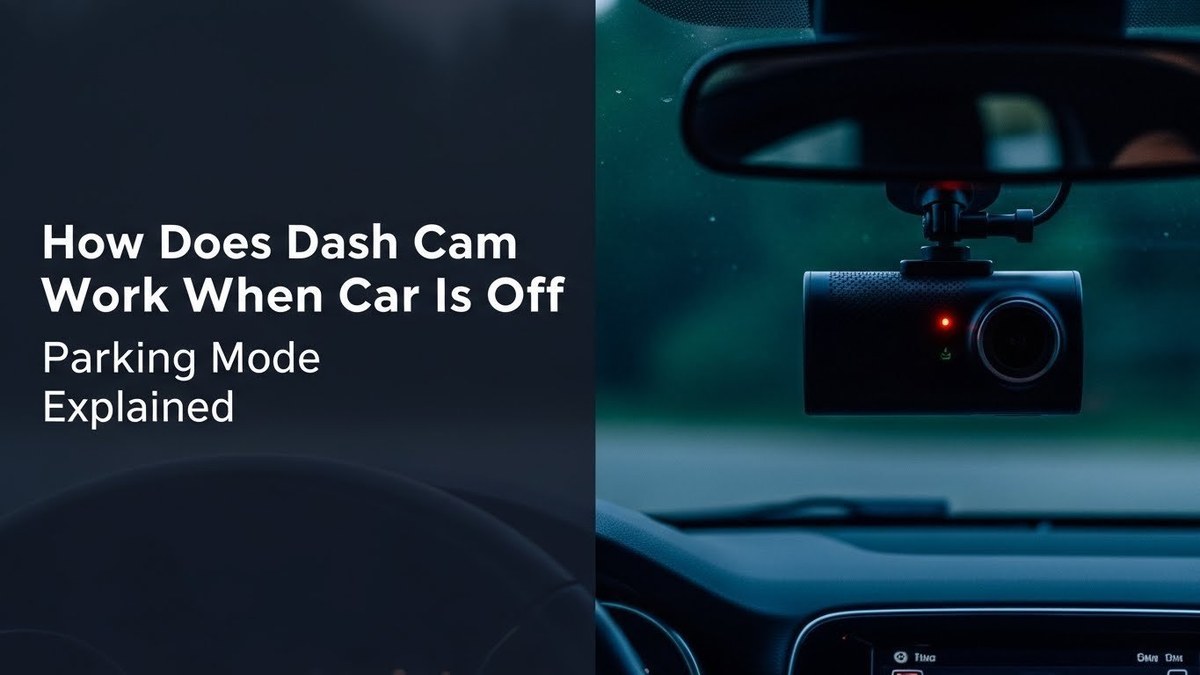
Most parking modes fall into a few common types. Many dash cams let you choose the one you prefer, and some combine two or more.
Motion Detection
The camera stays in standby and only wakes up to record when the image sensor detects movement in front of the lens. This is the most battery-friendly option, but it can miss events outside the camera’s field of view or activity that happens too quickly for the sensor to react.
Impact Detection (G-Sensor)
A built-in accelerometer detects a bump, collision, or sudden vehicle movement and triggers recording. This is essential for hit-and-run protection because it captures the moment of impact even if the camera was in standby. Most dash cams let you adjust sensitivity; the goal is catching real impacts without false triggers from passing trucks or gusts of wind.
Time-Lapse and Low-Bitrate Recording
Some cameras record continuously at one frame every few seconds or at a reduced bitrate to save power and storage. Time-lapse gives you a complete timeline of what happened in front of the car, which helps when damage doesn’t trigger the G-sensor. The trade-off is higher power consumption than motion-detection standby.
Buffered Recording
Newer dash cams include a pre-buffer, recording a few seconds before the trigger event and saving it with the event clip. That pre-event footage is often where the useful evidence is, like a vehicle approaching before it hits yours.
Why Parking Mode Matters for Your Car and Its Interior
Parking mode protects more than your paint and body panels. It also protects the interior of your car, which matters whether you park in a crowded city lot or a quiet suburban driveway.
- Hit-and-run evidence. A parked car is a stationary target. Parking mode can capture the license plate, make, and model of the vehicle that hit yours, along with the date and time.
- Theft and break-in documentation. If someone smashes a window to grab a bag or phone, parking mode records the break-in. That footage helps police and strengthens your insurance claim.
- Interior protection with cabin-facing cameras. Many dash cams offer a second interior-facing lens or a separate cabin camera. These record what happens inside the vehicle, which is useful for rideshare drivers, people who carry equipment, or anyone who wants to know who opened the door. A visible camera also deters thieves.
- Insurance claims. Video evidence is one of the strongest tools you can hand an adjuster. In a disputed-liability situation, clear footage of a parked-car incident can speed up the claims process and help you avoid paying a deductible for damage you didn’t cause.
Power Options: How to Keep Your Dash Cam Running When the Car Is Off
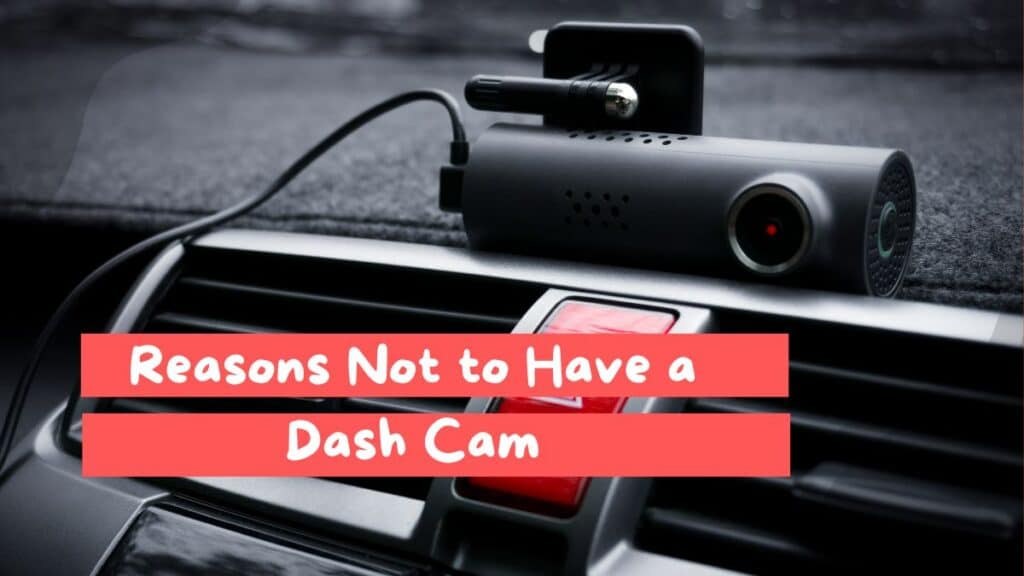
To use parking mode, the camera needs power after the ignition is off. There are three common ways to supply it.
| Power Option | Best For | Key Consideration |
|---|---|---|
| Cigarette lighter adapter | Occasional parking mode use; simple plug-and-play setup | Most 12V outlets shut off with the ignition, so parking mode may not run at all |
| Hardwire kit with voltage cutoff | Daily parking mode use; clean, hidden wiring | Requires tapping a fuse; must set the cutoff voltage correctly |
| Dedicated dash cam battery pack | Long parking sessions; vehicles parked for days at a time | Adds cost and installation space, but protects the car battery completely |
Hardwire kits are the most popular choice because they’re relatively inexpensive and let the camera run off the car’s battery. The key is choosing a kit with an adjustable low-voltage cutoff, which stops power before the battery drops below the level needed to start the engine.
- Hidden cable routing with no dangling wires
- Camera turns on and off automatically with the ignition
- Uses the car’s battery, so no extra device to charge
- Requires fuse-tap installation and basic electrical knowledge
- Risk of battery drain if the voltage cutoff is set too low
- May affect a lease or warranty if installed improperly
Dedicated dash cam battery packs sit between the camera and the car’s electrical system. They charge while you drive and power the camera when the car is off. This completely protects the starter battery, but the packs add cost and need to be mounted somewhere out of the way. They’re the right choice for drivers who park for multiple days or take short trips that don’t fully recharge the battery.
Battery Drain: The #1 Concern (and How to Manage It)
Parking mode draws power from your vehicle’s electrical system. If you hardwire a dash cam without low-voltage protection, or leave a camera running on a weak or aging battery, you risk returning to a car that won’t start. Always use a hardwire kit with a voltage cutoff, or power the camera from a dedicated dash cam battery pack.
A dash cam in parking mode typically draws a few hundred milliamps. Over eight to twelve hours, that adds up, especially in a car with a small or aging battery. Cold weather makes it worse because a cold battery holds less usable charge. And if you drive only short trips, the alternator may not fully replace what parking mode used overnight.
If you hardwire your dash cam, set the voltage cutoff to at least 12.0V for daily use, and 12.4V if you park for long periods or drive short trips. The exact settings depend on your vehicle’s battery and driving habits, so check your hardwire kit’s manual and test the camera’s shutdown behavior.
Test your setup before you rely on it. Park for a full day, then confirm the car starts normally and that the camera shut down at the voltage you set. If the car struggles to start, raise the cutoff voltage or switch to a battery pack.
Choosing a Dash Cam with Good Parking Mode
Not every dash cam that says “parking mode” on the box delivers a useful experience. Before you buy, work through this checklist.
- Confirm the camera has a true parking mode, not just a manual recording setting
- Check whether parking mode includes motion detection, G-sensor, or time-lapse options
- Verify that a hardwire kit is available for your specific dash cam model
- Look for a voltage cutoff option in the hardwire kit or camera settings
- Choose a high-endurance microSD card rated for continuous recording
- Consider a cabin-facing or dual-lens camera if interior protection matters to you
Parking mode writes to the memory card constantly, so a standard card can fail early. Use a high-endurance microSD card from a reputable brand and format it in the camera as the manual instructs.
Installation and Setup Tips
Installing a dash cam for parking mode requires care. If you’re not comfortable working with your vehicle’s fuse box, a professional installer is a reasonable investment.
Verify the hardwire kit is compatible with your dash cam model and that your vehicle’s fuse box has an accessible switched fuse slot (one that powers on with the ignition).
Disconnect the negative battery terminal before working near the fuse box. Route cables away from airbags, pedals, and moving parts, and use a trim tool to tuck wire along the headliner and A-pillar.
Connect the fuse tap, set the voltage cutoff, and test that the camera enters parking mode when the ignition is off and wakes up correctly on impact or motion.
- Use a fuse tap that matches your vehicle’s fuse type (mini, low-profile, or standard)
- Set the voltage cutoff higher if you park for long stretches
- Format the memory card in the camera every few weeks
- Test parking mode for a full day before relying on it
- Route wire across an airbag deployment zone
- Leave parking mode on with a battery that’s already weak
- Use a memory card that isn’t rated for continuous recording
- Ignore the camera’s thermal protection in hot climates
Temperature and Heat Considerations
Parking mode runs while your car sits in the sun, and interior temperatures can climb past 140°F in many US climates. Extreme heat can cause shutdowns, battery swelling, or memory card errors. If you live in a hot region, look for a camera with a capacitor-based power supply rather than a built-in lithium battery, and park in the shade when you can. Some cameras include thermal protection that pauses recording to prevent damage, which is worth checking before you buy.
Privacy and State Laws
Parking mode records video, and sometimes audio, in public and semi-public spaces. In the US, video recording in public areas is generally legal, but audio recording rules vary by state. Some states require all parties to consent to audio recording, which matters if your camera captures conversations inside or near your car.
Before enabling audio recording in parking mode, check your state’s wiretapping laws. Also remember that parking mode footage is personal data. If your camera uploads clips to the cloud, review the app’s privacy settings and know who can access your footage.
Final Verdict
Parking mode is one of the most valuable features a dash cam can offer, especially for US drivers who park on the street or in shared lots. It turns a passive camera into a 24/7 witness, protecting both the exterior and the interior of your vehicle.
The best setup for most drivers is a dual-lens dash cam with a genuine parking mode, a hardwire kit with a voltage cutoff set to 12.0V or higher, and a high-endurance memory card. If you park for days at a time or have a small battery, a dedicated dash cam battery pack is the safer alternative.
Parking mode is worth having if you care about evidence and peace of mind. Choose a camera with real motion and impact detection, power it safely with a voltage-protected hardwire kit or battery pack, and set it up carefully so you never return to a dead battery.